Full-stack developer crafting fast, scalable, and beautiful web applications. Trusted partner for strategy, design, and development.
Frontend Development
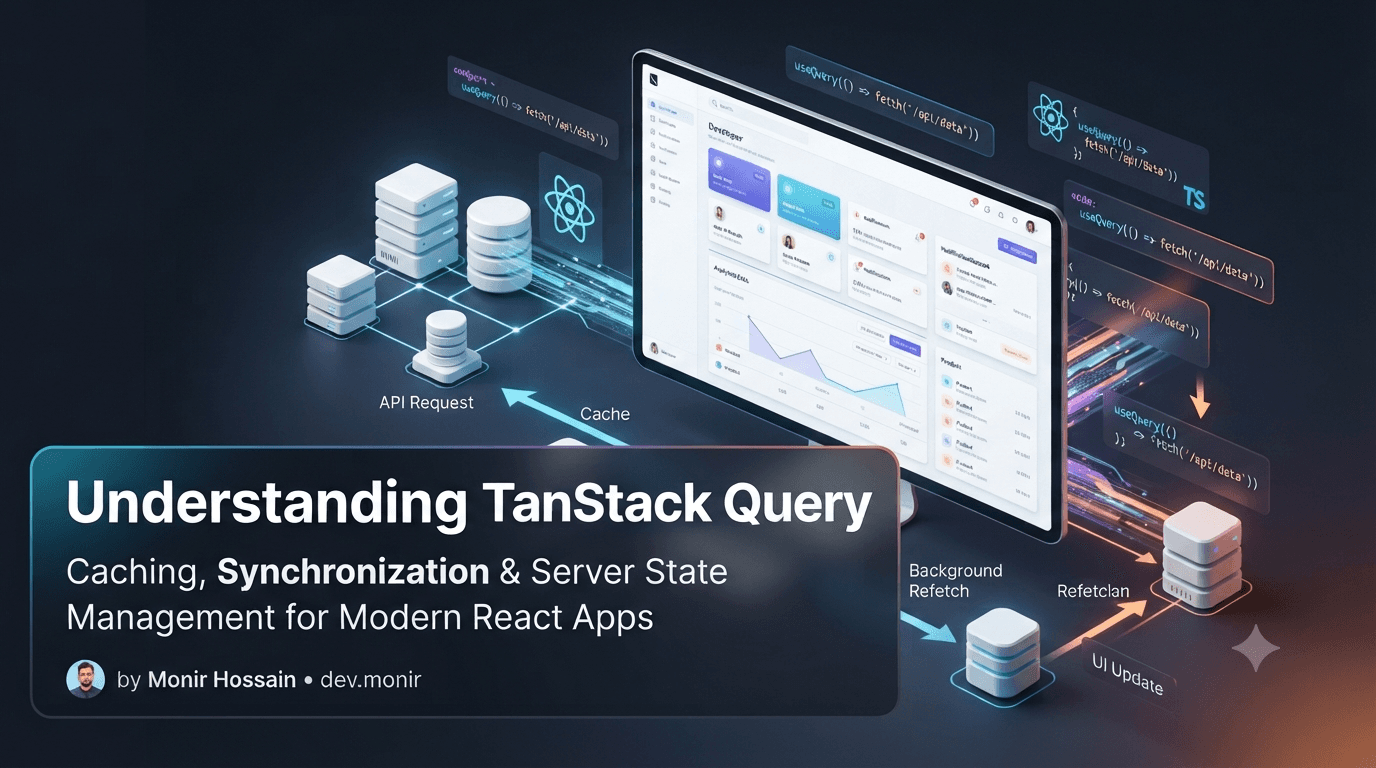
Understanding TanStack Query: The Missing Piece for Modern React Applications When I first started building React applications, fetching data from APIs felt simple. A useEffect, a few state variables, and everything worked.
As projects grew larger, I found myself writing the same logic repeatedly:
Loading states
Error handling
Data refetching
Cache management
Data synchronization
That's when I discovered TanStack Query .
Today, it has become one of my favorite tools for building modern React and Next.js applications.
What is TanStack Query?
TanStack Query (formerly React Query) is a powerful library for managing server state in React applications.
In simple terms, it helps your application:
Fetch data from APIs
Cache responses automatically
Handle loading and error states
Keep data synchronized
Reduce unnecessary network requests
Improve overall performance
Instead of manually managing API state in every component, TanStack Query provides a cleaner and more scalable solution.
Why Was TanStack Query Created?
React is excellent for building user interfaces, but it doesn't provide a complete solution for managing server data.
A typical React component might look like this:
useEffect(() => { setLoading(true);

    fetch(*/api/users*)
    .then((res) => res.json())
    .then(setUsers)
    .catch(setError)
    .finally(() => setLoading(false));
}, []);
This works perfectly for small applications.
However, as your project grows, you'll start repeating this pattern across multiple pages and components.
Managing data becomes increasingly difficult.
TanStack Query was created to solve these problems.
The Problem It Solves
Imagine you're building an e-commerce application.
Your application contains:
Product listings
User profiles
Orders
Notifications
Analytics dashboard
Without TanStack Query, every component may need to:
Fetch data
Show loading states
Handle errors
Store data in local state
Refetch data after updates
As the application grows, maintaining this logic becomes tedious and error-prone.
#React
#Next.js
#TanStack Query
#React Query
#TypeScript
#Frontend
#Web Development
TanStack Query centralizes and simplifies this process.
Understanding Server State One of the most important concepts is understanding the difference between client state and server state.
Client State Client state exists only in the browser.
Theme
Sidebar visibility
Modal open/close state
Selected language
Libraries like Zustand or Redux are commonly used for managing client state.
Server State Server state comes from an external source such as an API or database.
Users
Products
Orders
Blog posts
Notifications
TanStack Query is specifically designed for managing server state.
A Cleaner Way to Fetch Data
With TanStack Query, fetching data becomes much simpler.
const { data, isLoading, error } = useQuery({
    queryKey: [*users*],
    queryFn: getUsers,
});
TanStack Query automatically handles:
Loading state
Error state
Caching
Refetching
Data synchronization
This leads to cleaner and more maintainable code.
Automatic Caching Caching is one of the biggest reasons TanStack Query has become so popular.
Imagine a user visits the products page.
Products Page
Data Stored In Cache Later, the user returns to the same page.
Instead of making another API request, TanStack Query can instantly serve data from cache.
Products Page
Cache Hit
Instant Response
Faster page transitions
Better user experience
Reduced server load
Fewer unnecessary requests
Background Refetching Another powerful feature is background synchronization.
Suppose cached data already exists.
Show cached data immediately
Fetch fresh data in the background ## Update the UI automatically
Cached Data
Background Request
Fresh Data This creates a smooth experience similar to Facebook, LinkedIn, and Instagram.
Applications don't just read data.
Create data
Update data
Delete data
TanStack Query handles these operations using mutations.
const mutation = useMutation({ mutationFn: createUser, });
After a successful mutation, related data can be refreshed automatically.
queryClient.invalidateQueries({ queryKey: [users ], });
This eliminates a lot of manual refetching logic.
These two concepts often confuse developers when they first start using TanStack Query.
Stale Time staleTime determines how long data remains fresh.
Data stays fresh for one minute.
No unnecessary refetches occur during that time.
gcTime determines how long unused cached data remains in memory.
Cached data remains in memory for ten minutes.
After that, it is automatically removed.
«staleTime = How long data stays fresh
gcTime = How long unused cache stays in memory»
Using TanStack Query with Next.js
«Do we still need TanStack Query with Next.js App Router?»
The answer depends on the type of application you're building.
Use Native Next.js Fetching For
Marketing websites
Blogs
Documentation
SEO -focused pagesStatic content
Dashboards
Admin panels
Notifications
Search and filtering
Infinite scrolling
User settings
Real-time style experiences
In many production applications, both approaches work together.
Advantages of TanStack Query
Cleaner Code Less boilerplate and fewer repetitive patterns.
Better Performance Caching significantly reduces unnecessary requests.
Automatic Synchronization Data remains fresh without constant manual refetching.
Built-in Loading and Error States
No need to create custom logic for common scenarios.
Excellent Developer Experience Once you understand the fundamentals, development becomes much faster.
Potential Drawbacks Like every tool, TanStack Query has some trade-offs.
Learning Curve Concepts such as query keys, caching, stale time, and mutations require some learning.
Overkill for Small Projects
A simple portfolio website usually doesn't need TanStack Query.
Additional Dependency It adds another library to your project.
For medium and large applications, however, the benefits usually outweigh these drawbacks.
Final Thoughts TanStack Query has changed the way I build React and Next.js applications.
Instead of spending time managing loading states, caching logic, and data synchronization, I can focus on building features and creating better user experiences.
Dashboards
SaaS products
Admin panels
E-commerce platforms
Data-driven applications
TanStack Query is absolutely worth learning.
The more your application relies on APIs, the more valuable TanStack Query becomes.
Understanding TanStack Query: The Missing Piece for Modern React Applications | Monir Hossain | Full Stack Developer